This is just an update regarding my final year project ‘Email Moderation Engine’.
I have been working on this but till now had been mostly doing the documentation and design document as per the university requirement. I hope to start working on the actual project skeleton and code in 2 weeks of this semester. I plan to share my thoughts and code samples here for those who would like to get an idea.
I am also trying to help a few fellow VU students along the way. I hope we all could make it on time and it is accepted.
Those who are interested in discussing / getting any help in this regard, should contact me via my email address (from Contact) or this comments on relevant posts. Please don’t post your questions on other posts on this blog which are irrelevant.
In February 2011, I started planning a vacation plan in May 2011. I was planning this trip for Kaghan-Naran or Murree with my family and cousin. Later after some discussion with my cousin we finalized upon Murree.
We left for Rawalpindi from village Teri, Distt. Karak on 9th May early morning and arrived in Murree by Zuhar time. I had done my booking at Usmania Restaurant(aka Civic Hotel) on main mall road. We had planned to stay for night in the same hotel and visit the surrounding areas in the day.
9th May – The same day after taking some rest, we left for Kashmir point at afternoon. It was a really fun place to be. We enjoyed the pleasant weather and surroundings. I believe one could spend days there with his family 🙂
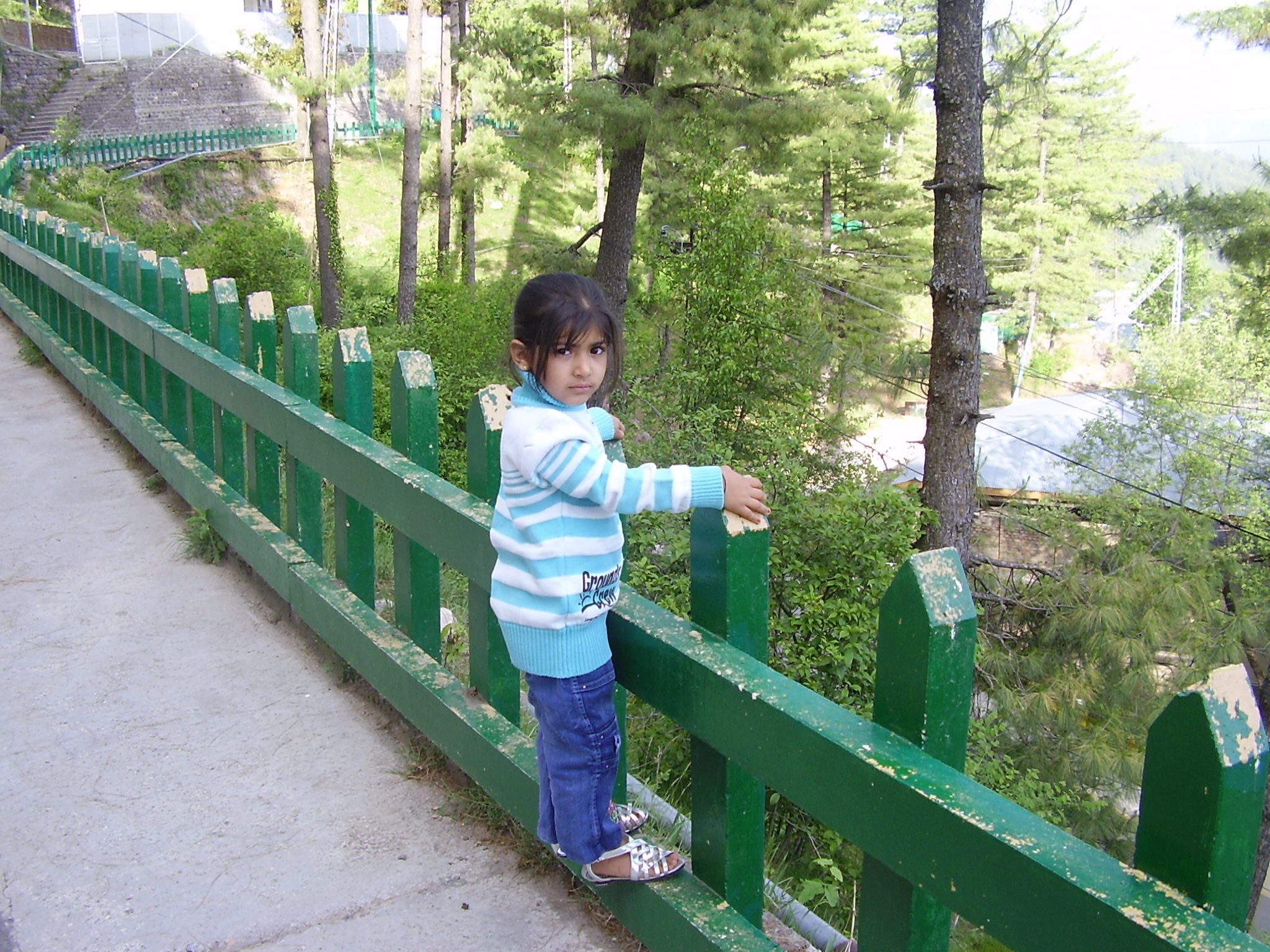
10th May – Next day we hired a hi-roof and went to Nathiagali and Ayubia. While driving there we stopped at many places and did some trekking, photography and other stuff. Children especially enjoyed the bandar point and monkeys jumping in the Ayubia National Park.
On way to Neelum Point
11th May – We went to Bhurban and Neelum River. We especially enjoyed Neelum River. The river Neelum was on its full swing and it was an amazing view. After spending sometime there, we left Neelum Point at afternoon. We went to Patriata and had a ride on chairleft. My cousin and his family were first time riding in chairleft so they were abit afraid but overall enjoyed it.
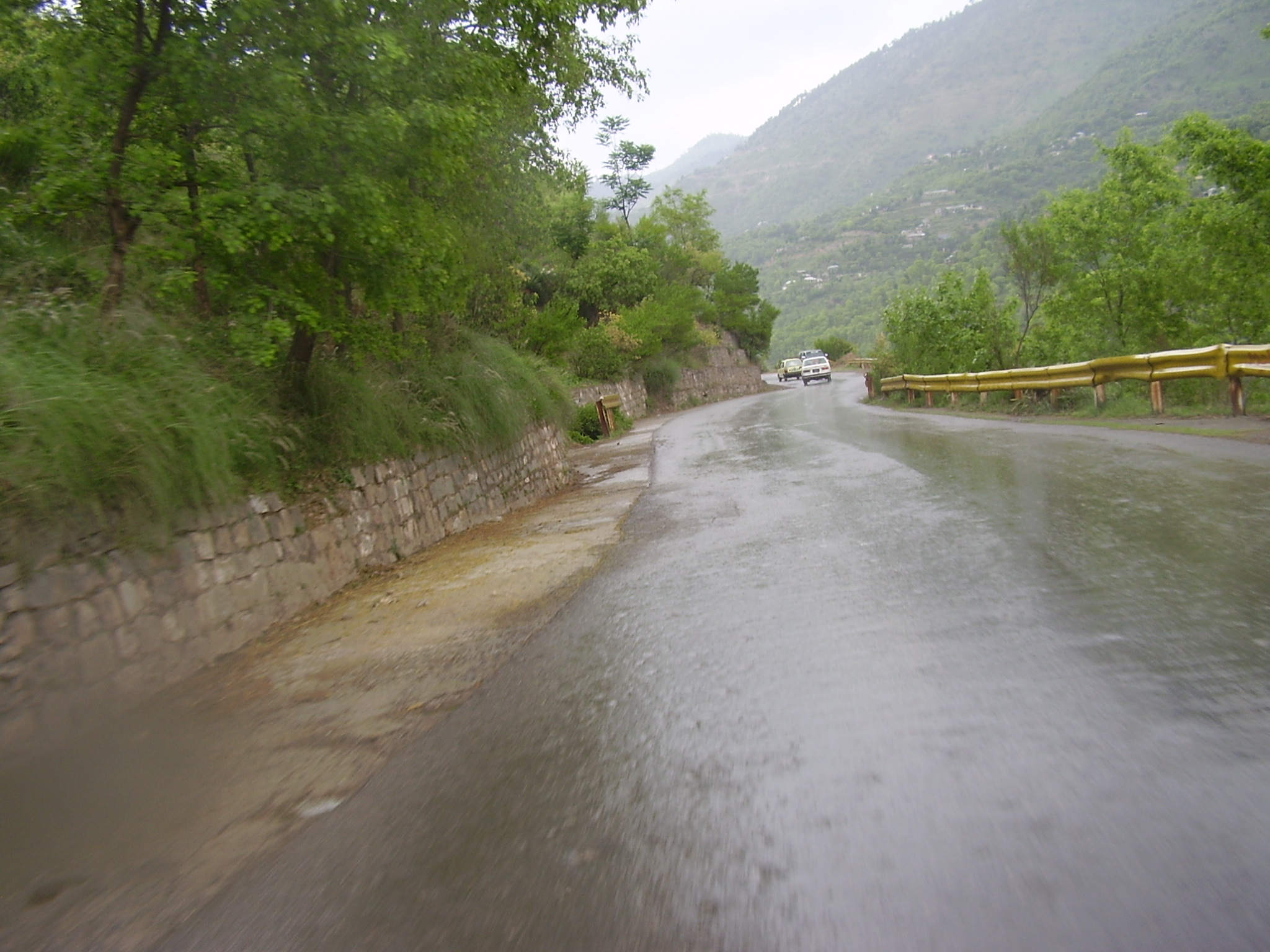
12th May – We left Murree back for our village. On way back, we had an excellent weather and had some rain on our way at Jhand. It was simply an unforgettable experience.
Overall this short trip was an amazing and great experience. Last time, I visited Swat back in 2007 with my family and now this time again with family and cousin. Murree and surrounding area is an ideal vacation spot for families. It is good, secure and everything is available at reasonable costs there.
As far as my hotel experience at Usmania Restaurant is concerned, it was good except for one issue which was a bit irrating for me 🙁 as I am an early morning person and I enjoy the sun rising in such places. For my breakfast, I had to wait till 8AM which was not good. It wasted quite some of time as doing breakfast and then leaving would take quite sometime. Due to my family and children it was also not possible to do the breakfast easily on our way. When I asked the staff, they couldn’t do anything about it. So if they could improve this, this hotel is highly recommended.
It was the first time for my cousin to go out on vacation and he really enjoyed it. In fact he asked me to arrange for such programs at least in two years 🙂 I do it once a year already.
As I discussed earlier that I am taking this as my final year project. So I have prepared and submitted SRS for this and now working on other documents for this as per VU guidelines.
While working on this, I am also helping a few other students via email / skype. I will try to share some of the details of this project here.
Recently I started learning Ruby on Rails. I started studying it for making fixes / changes to an existing RoR project. While studying for this, I had some issues which were obviously related the new syntax and style but overall this was a very pleasant experience.
Now I only wish that I had started a bit earlier with RoR :).
I am studying for MIT from Virtual University Pakistan. When this semester started, I also had to take a final year project, which would span on two semester. VU proposed 4 projects and also encouraged students to submit their custom proposal. I took the opportunity and discussed a possible custom project with my colleagues and friends. We came up with the idea of an Education CRM, which we could develop on top of existing open source software like Sugar CRM and Moodle. Some of the functional requirements, I proposed were:
Extract customer data from LMS which can be used to effectively manage customers in CRM.
Use CRM to document interaction with LMS users. Interaction includes activities, leads, opportunities, cases, bugs and reporting.
Auto-update customer information from LMS in CRM.
Synchronization of student contact information between the two systems.
In CRM display the list of enrolled courses for every student along with grades in those courses.
Customize CRM to make it ‘Education CRM’ (instead of a generic CRM). For example, instead of calling it “customersâ€, we may want to call them students.
Auto creation of student account in LMS, when in CRM the lead is “converted†and the status is changed to “Student†from “Lead/opportunityâ€.
I was very excited about this and was very confident that I would be able to make this by writing a plugin for Sugar CRM and Moodle but unfortunately this project proposal was rejected. I asked our teachers for the reasons but they didn’t like to comment on rejection. I tried to follow all their rules for submitting project proposal but somehow they didn’t like this idea and rejected it. I still believe this is a very good idea but due to lack of time this year, I won’t be able to give it time. However, I will look forward for this and see whenever I get sometime I will start working on it. If anyone has any further ideas and time to take on this project, I would be glad to help in any capacity I could.
Now I am supposed to work on one of the project they proposed. The four projects they proposed are:
Production Rejection Assessment System
Macro Recording System
Robotic Simulation To Detect Explosive Material
Email Moderation Engine
I have now selected ‘Email Moderation Engine’ as my final year project. I am now looking for some good partner and will then start working on this. I will try to keep this space updated about this. I hope to learn quite a few things as I would be trying a few new things.
I was looking into Android development. I googled for this and noted it is more popular among the developer communities than the iPhone development. Reason? Android apps could be developed in Java and for iPhone one has to get used to a totally new environment. In my view, it is a huge plus point for Android.
When I was automating testing our first project, it was a web based administration app. For that, I did some research and we chose to go with Sahi. I was able to achieve about 60-70% automation with Sahi and very happy with its result. During that time, one day I also gave a presentation at my office about what and how is web testing automation with Sahi. The presentation I created for this is the following:
This presentation gives a very brief idea about web testing automation in general and with Sahi. In the coming posts, I will try to share the issues I faced both with automating testing for desktop and web apps.
Recently we purchased TestComplete license. After some initial phase of learning the tool, I have now started automating our actual test cases using TestComplete. Before going to start this I did the following:
Studied Software Test Automation book by Mark Fewster & Dorothy Graham (highly recommended for those who are starting automating tests)
Studied and watched different webinars on Automated QA’s website.
Overall, it is going smooth and good. But obviously, it is taking sometime to get used to this. In some of my next posts, I will share how I am doing with this.
So for now we are using TestComplete for desktop and Sahi for web app testing automation.
So what do you people say, any expectation or idea to go for Traveling, Tracking etc in June or July 2010 to Northeren Areas?
I need your recommendations and who is going?
I am quite amazed to see you you get tired from work only in a few days? You have been going to some day trips from the last few months (In Dec to Hub and in Jan to Haleji Lake). You still feeling tried?
Prepare a plan for Kaghan and surrounding area treks this year.
Wsalam
-Meraj
=========================Sheraz Sohail Awan said====================== AOA,
Dear All,
yes i think June or July will be fine with me. infact i will also visit Kaghan and Naran valley this year with my friends and our families.
we have a program set for May or June and for three days on our own transport.
so you now better decide which way to go. we also discussed about Naltar Pakora Trek once. or it could be some where else.
Shujaat you plz give us two or three options, then we will see which one is better for this year.
 . This is an excellent book and would greatly help any one starting Adnroid development.